
Your professional details
Present your contact information, role, business details and selected links in one profile.
Connect a compatible NFC card to your KardKo digital profile and give people a convenient way to discover your contact details, business information and portfolio.
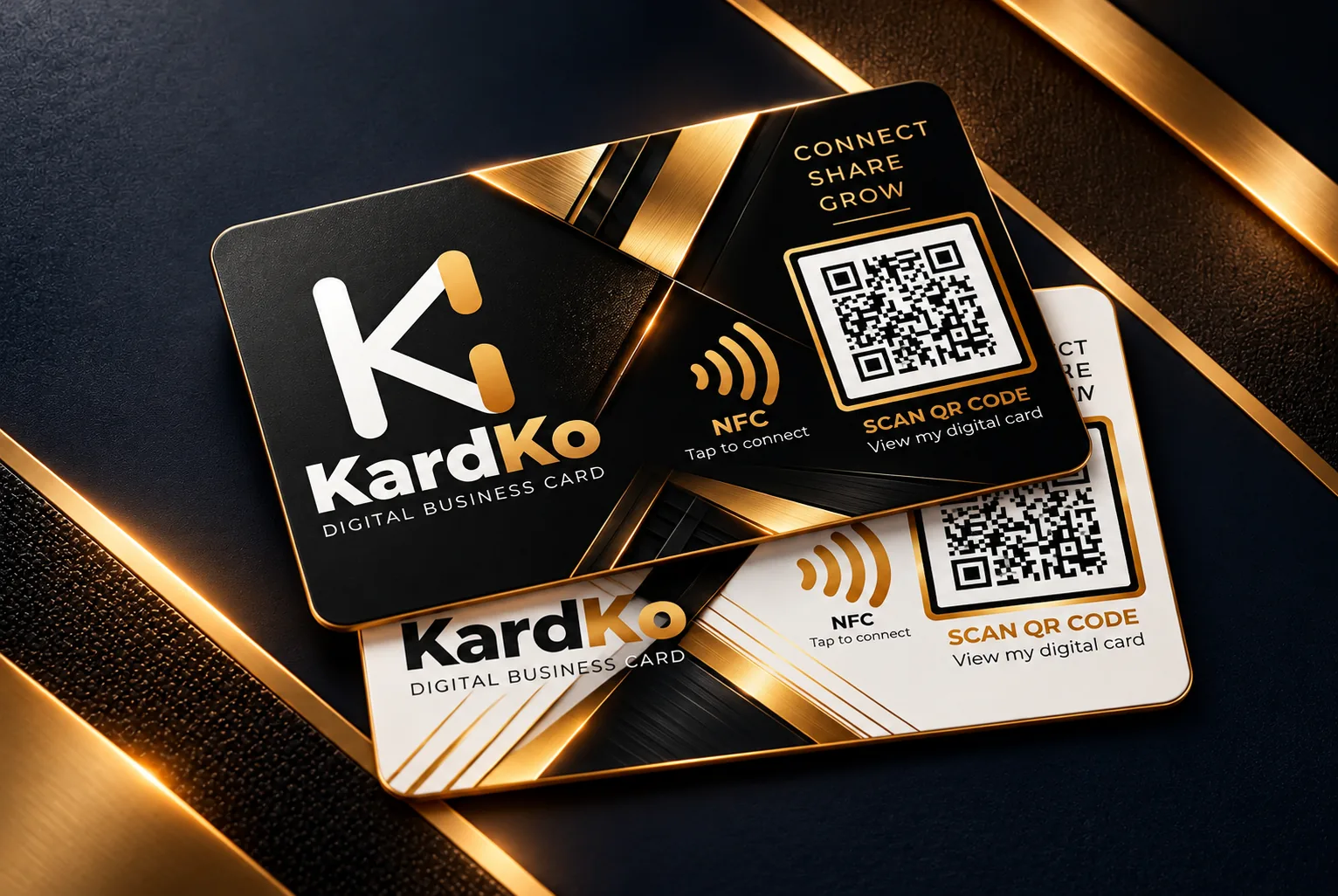
Bring the information people need into one shareable digital destination.
Present your contact information, role, business details and selected links in one profile.
Let people open your profile through a QR code or a compatible NFC card.
Showcase supported portfolio content, photos, social channels and other enabled profile features.
Helpful information about NFC BUSINESS CARD and how KardKo can help you connect.
A KardKo digital profile can be shared through a public link or QR code, and can also be connected to a compatible NFC card. This gives professionals and businesses another convenient way to share information.
An NFC business card contains a Near Field Communication chip that can share a programmed link with a compatible smartphone. The link can open a digital profile in the phone’s browser.
No. A public KardKo profile can also be opened through its URL or QR code. NFC is an optional sharing method when a compatible card and phone are available.
Not every phone supports NFC, and behavior varies by device and settings. Keep a QR code or direct link available as a backup.
The recipient can view a public profile without managing the owner’s account.
The NFC card generally shares a link. Your digital profile is where the information is presented.
Use a physical tap to open a digital destination. Explore KardKo.