
Your professional details
Present your contact information, role, business details and selected links in one profile.
Let people open your KardKo profile using a QR code. Share your contact details, business information and selected portfolio content from one convenient online destination.
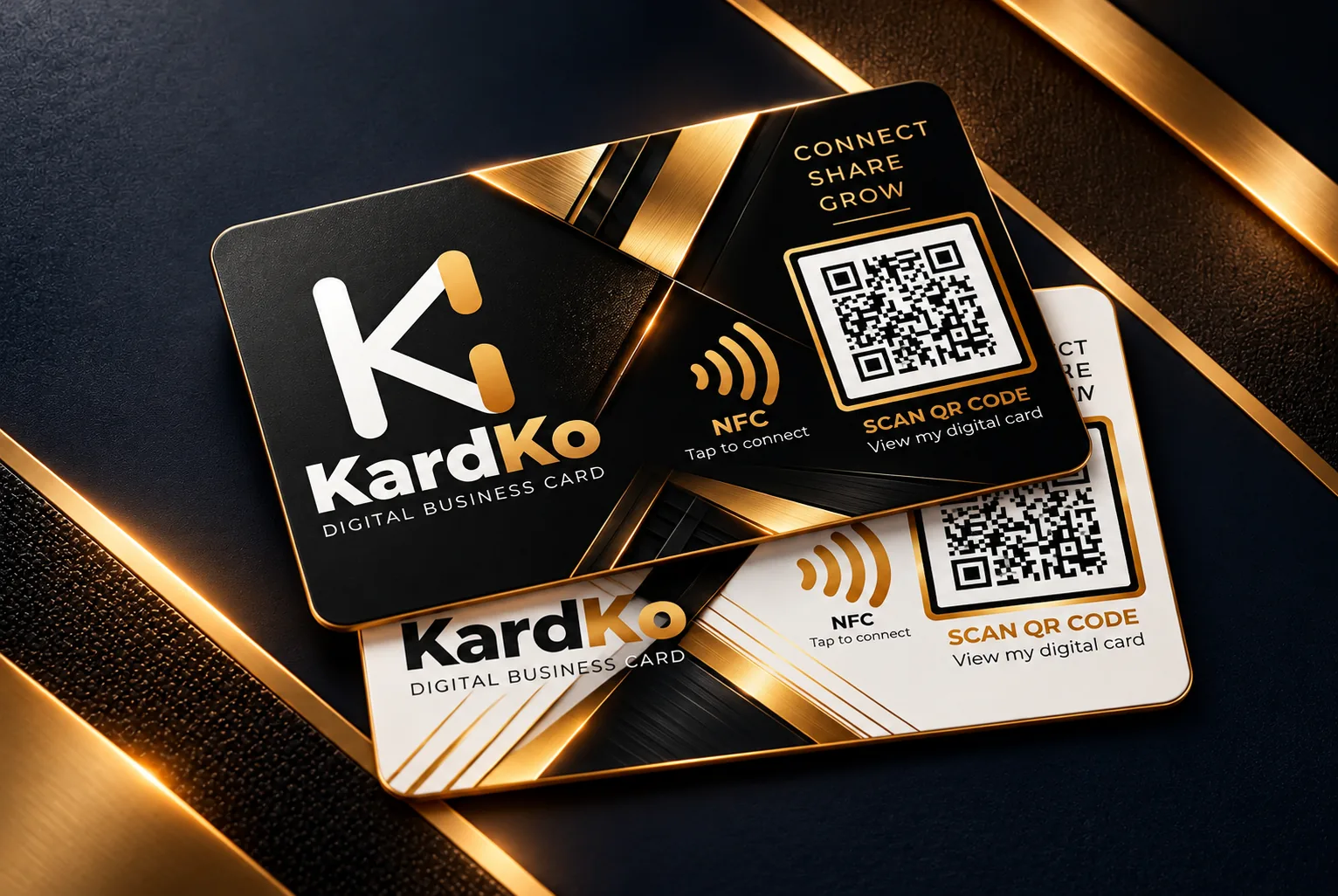
Bring the information people need into one shareable digital destination.
Present your contact information, role, business details and selected links in one profile.
Let people open your profile through a QR code or a compatible NFC card.
Showcase supported portfolio content, photos, social channels and other enabled profile features.
Helpful information about QR BUSINESS CARD and how KardKo can help you connect.
A QR business card makes it easy for people to open your digital profile using their phone camera or a QR scanner. With KardKo, your QR code can direct visitors to one online profile containing the information and links you choose to publish.
Depending on the information you publish, your profile may include contact details, business information, social media links, photos, portfolio content and other enabled features.
QR codes are useful when someone can point a camera at a displayed code. NFC offers a tap-based alternative on compatible devices. Both can direct visitors to the same public KardKo profile.
Many modern smartphones can scan QR codes using their built-in camera. Some devices may require a QR scanning feature or app.
The QR code typically points to your online profile. Your profile contains the information and can be updated independently when the destination URL remains the same.
Yes. Both methods can be configured to open the same public profile URL.
Visit KardKo and create your digital business card.